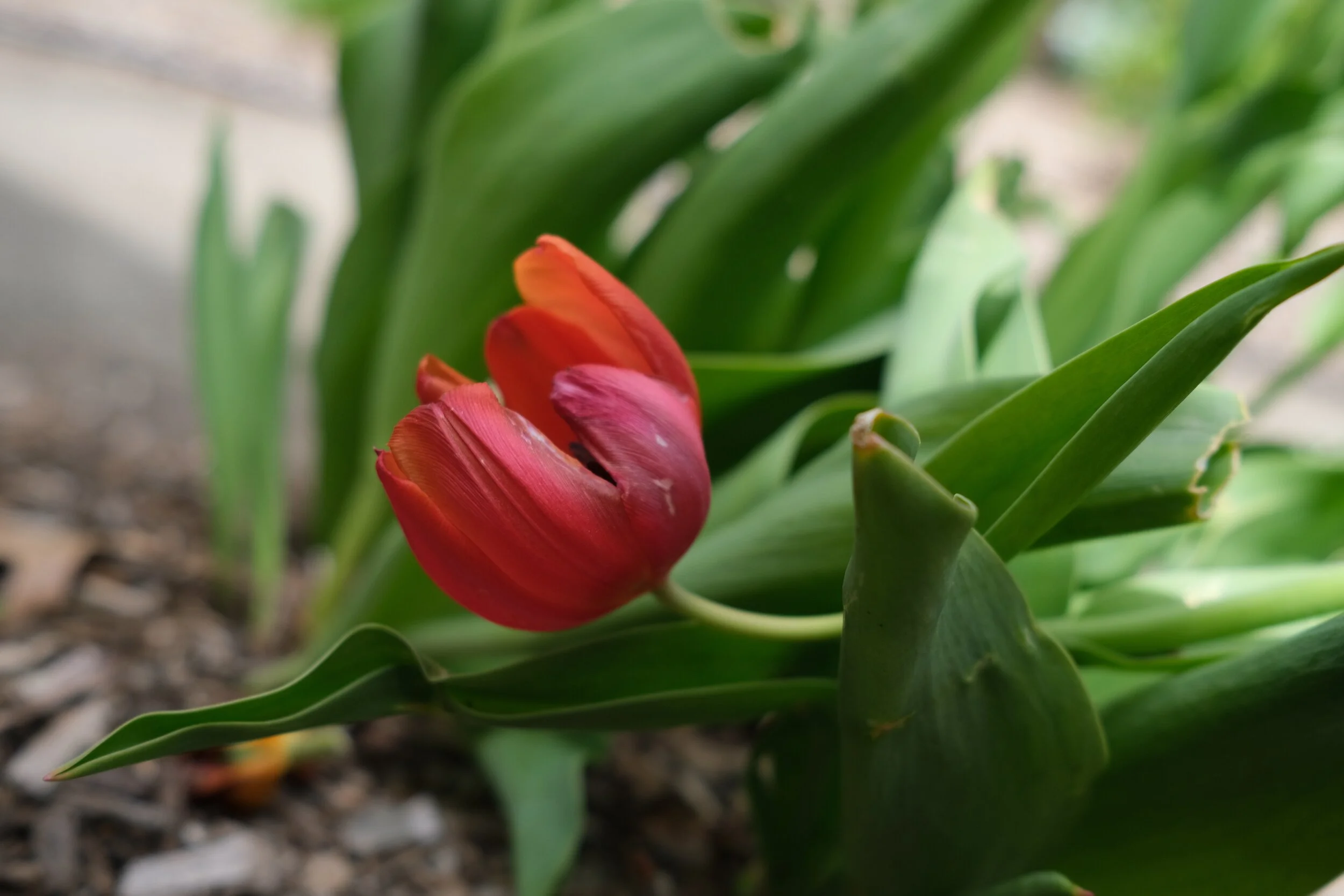
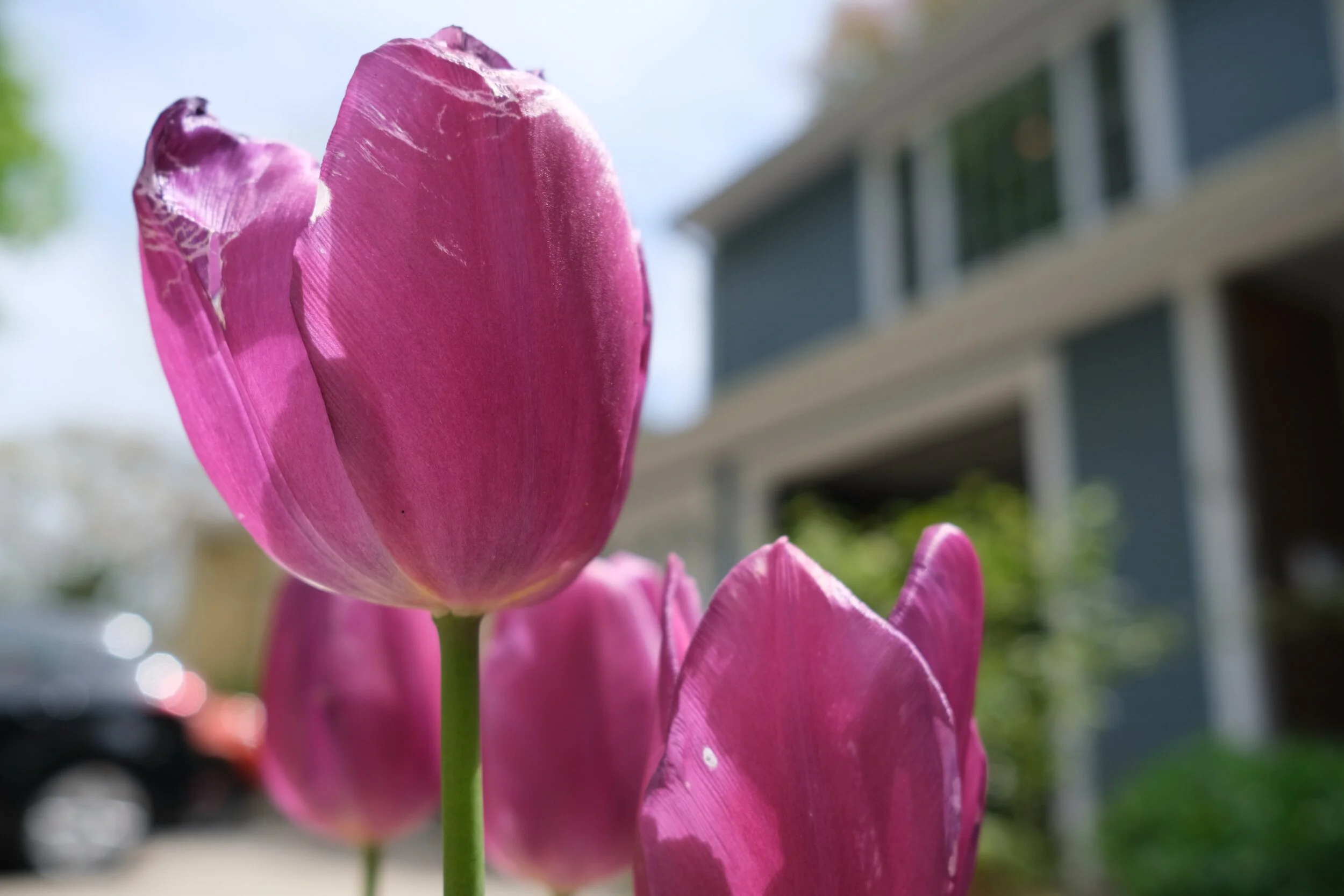
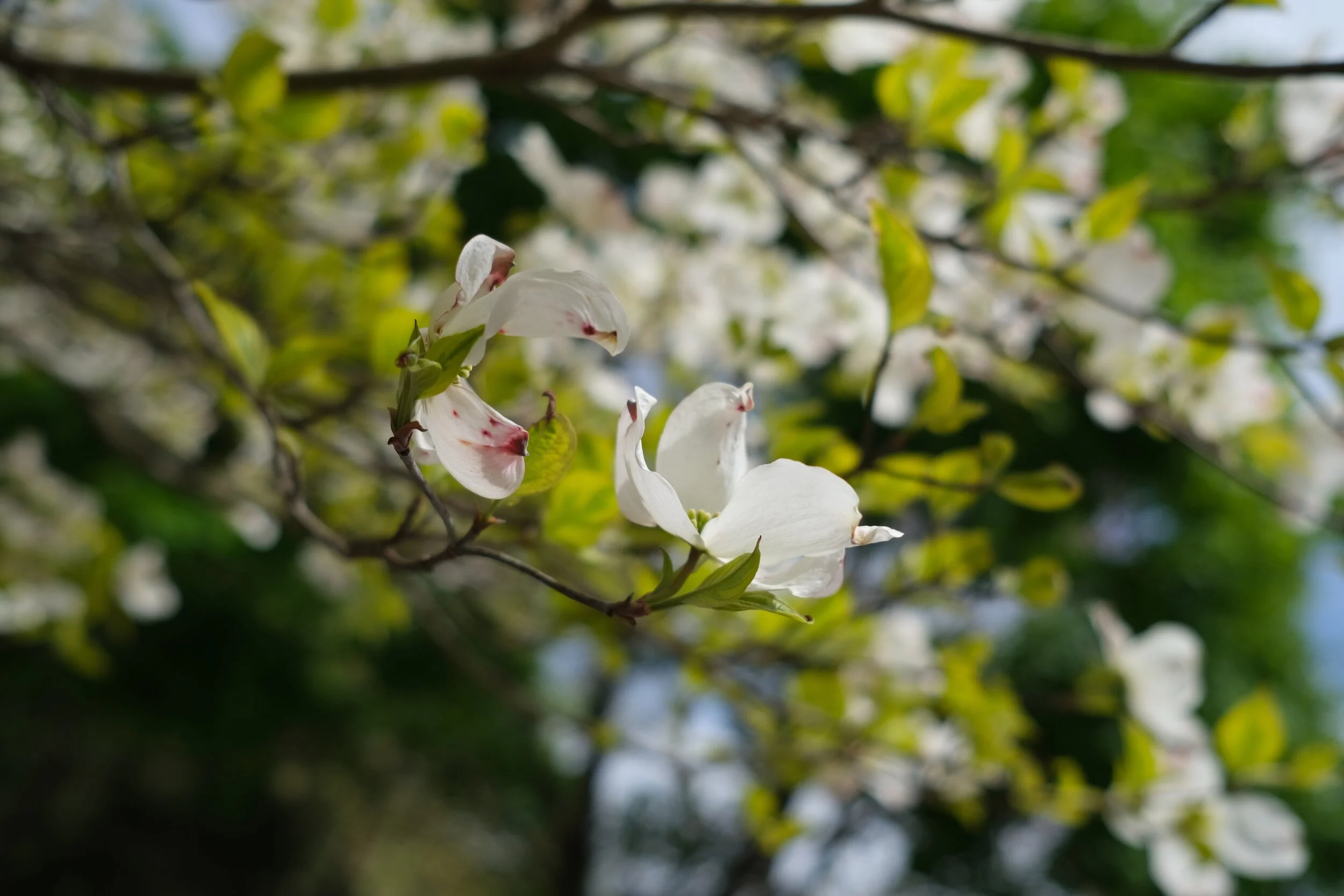
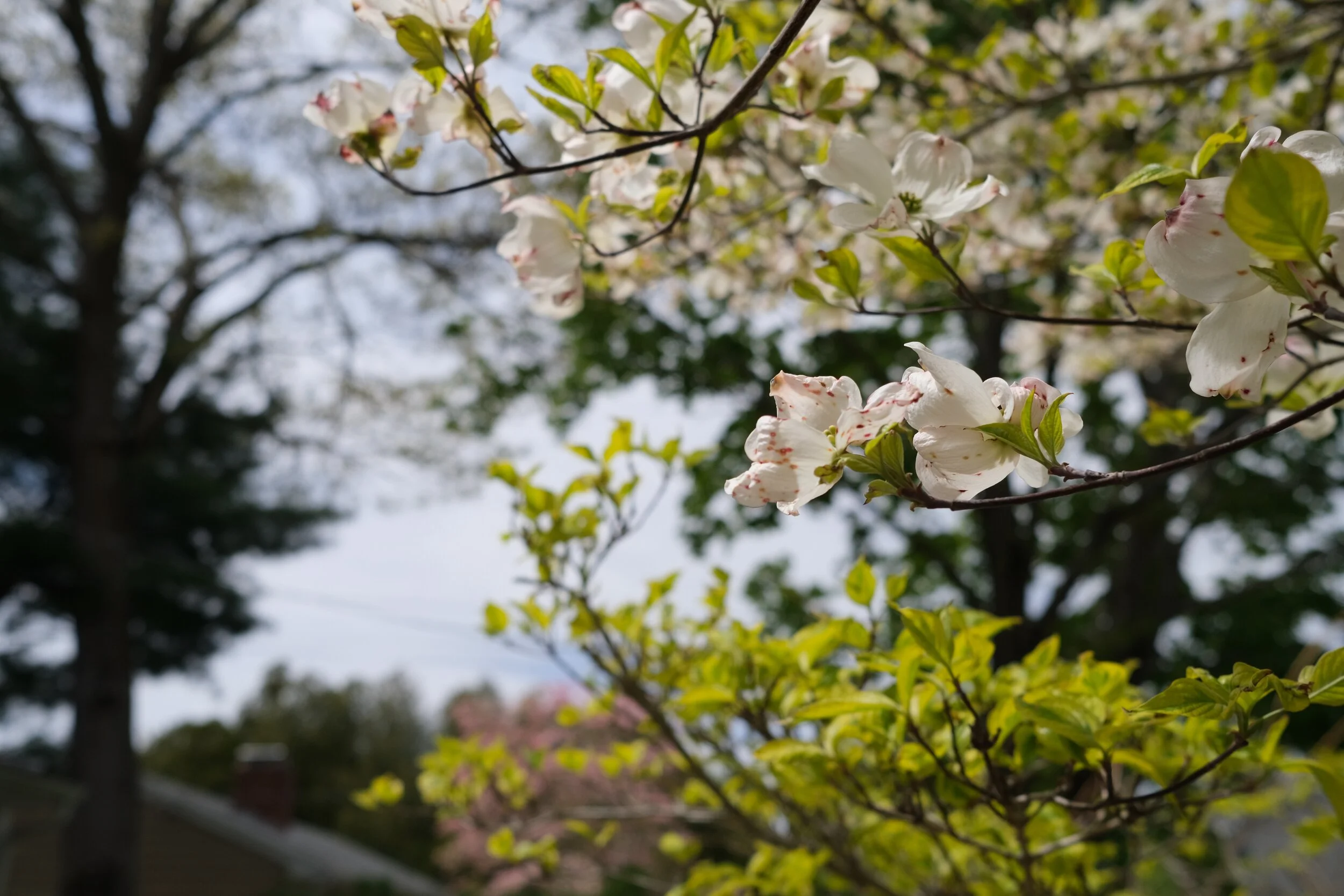
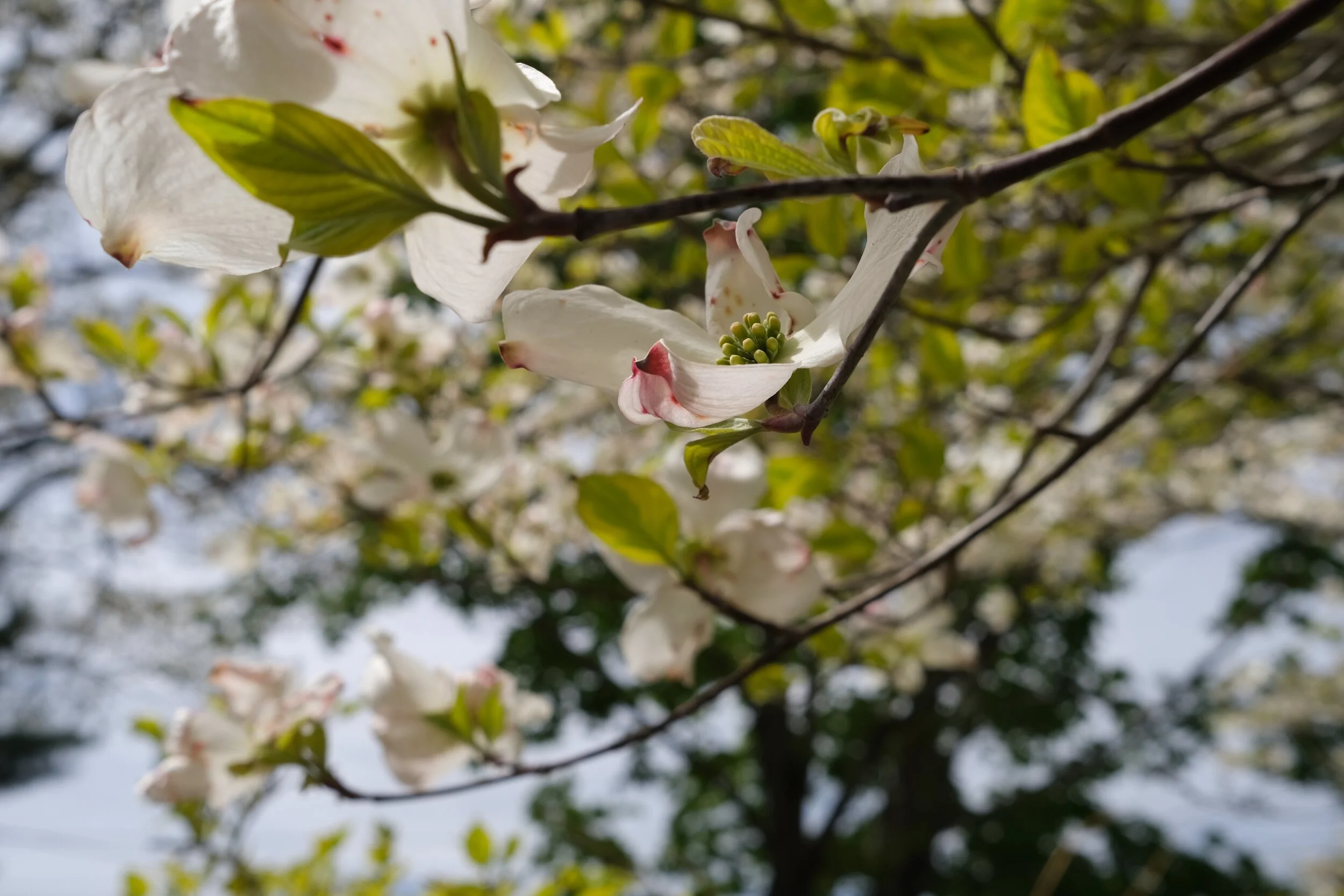
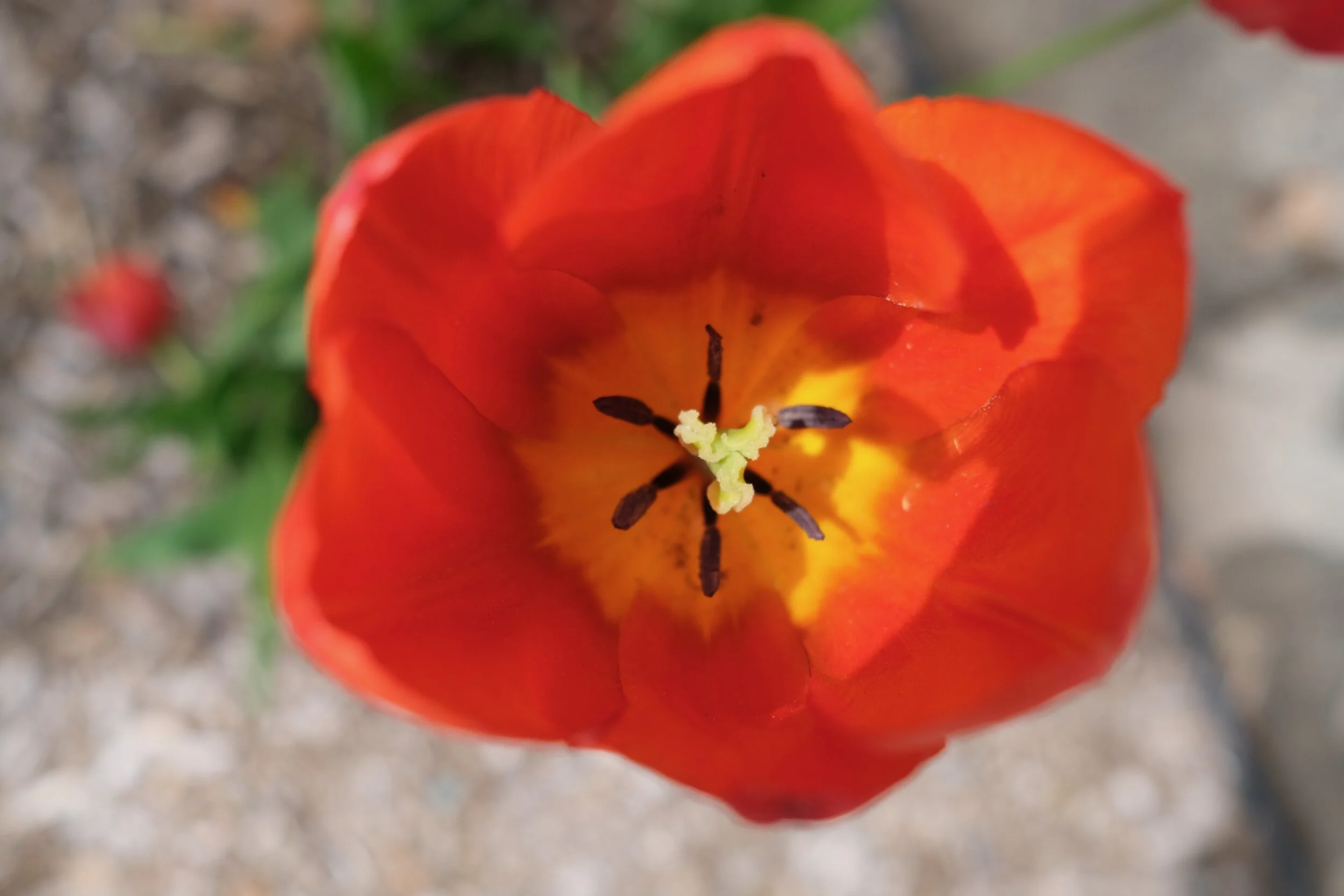
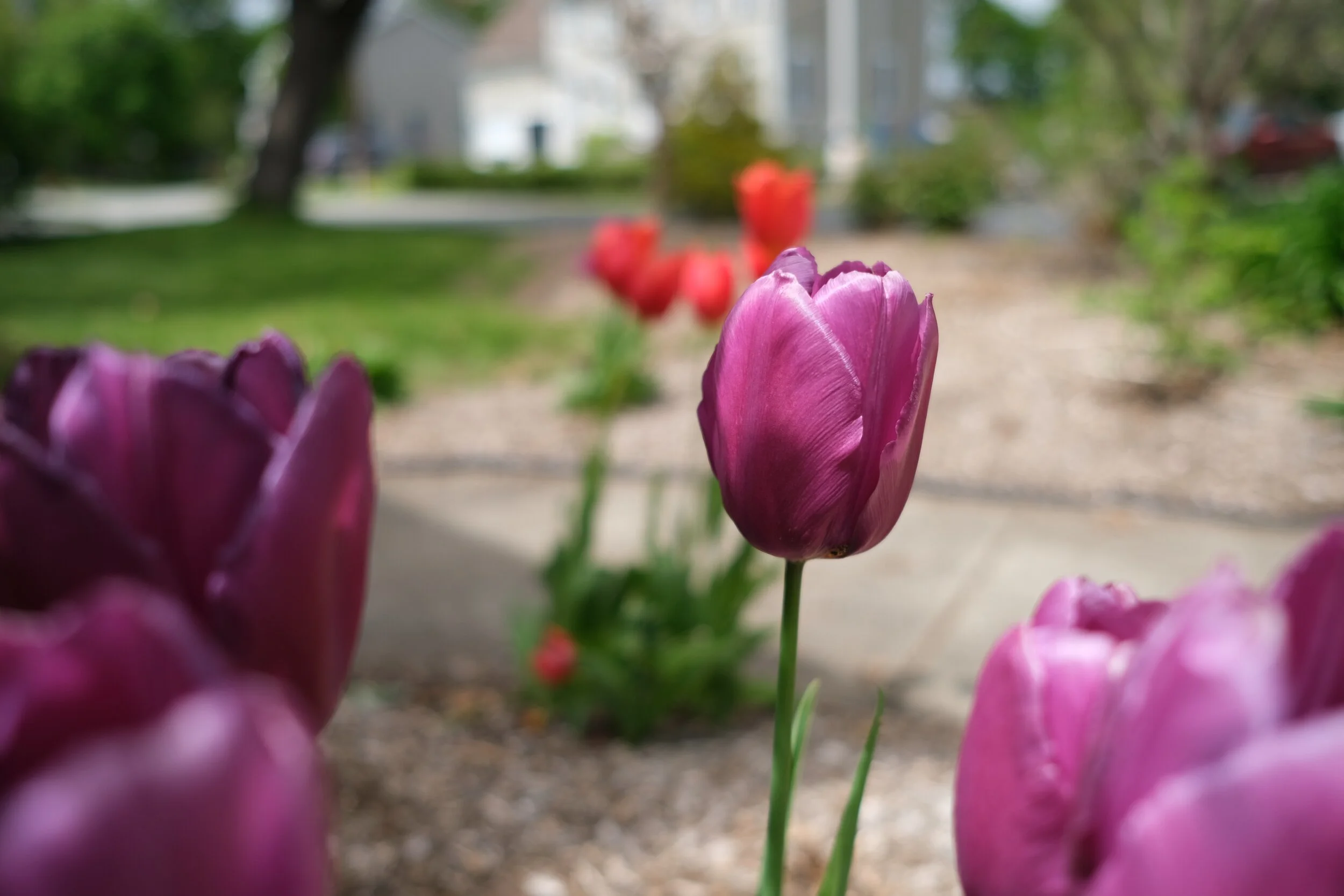
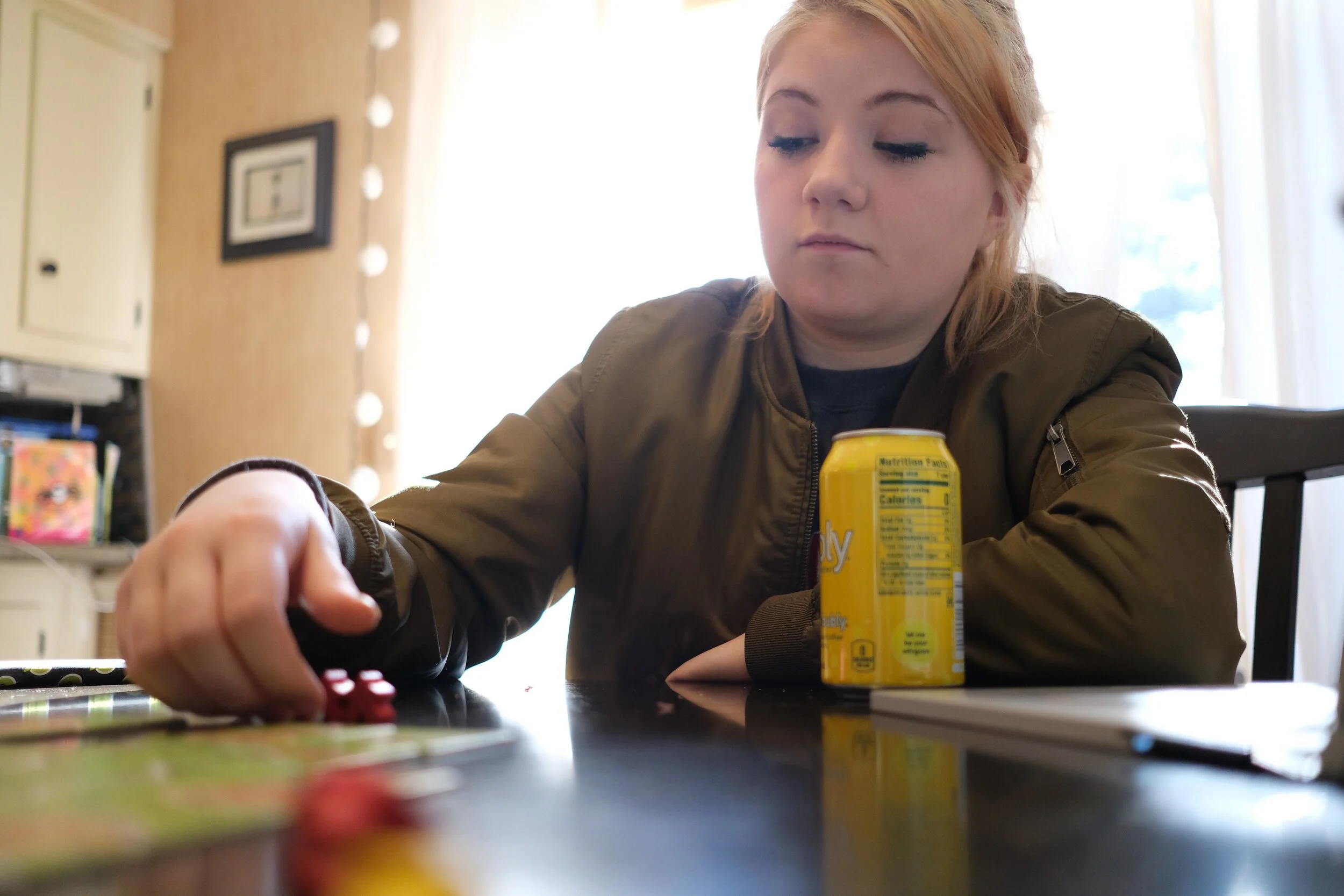
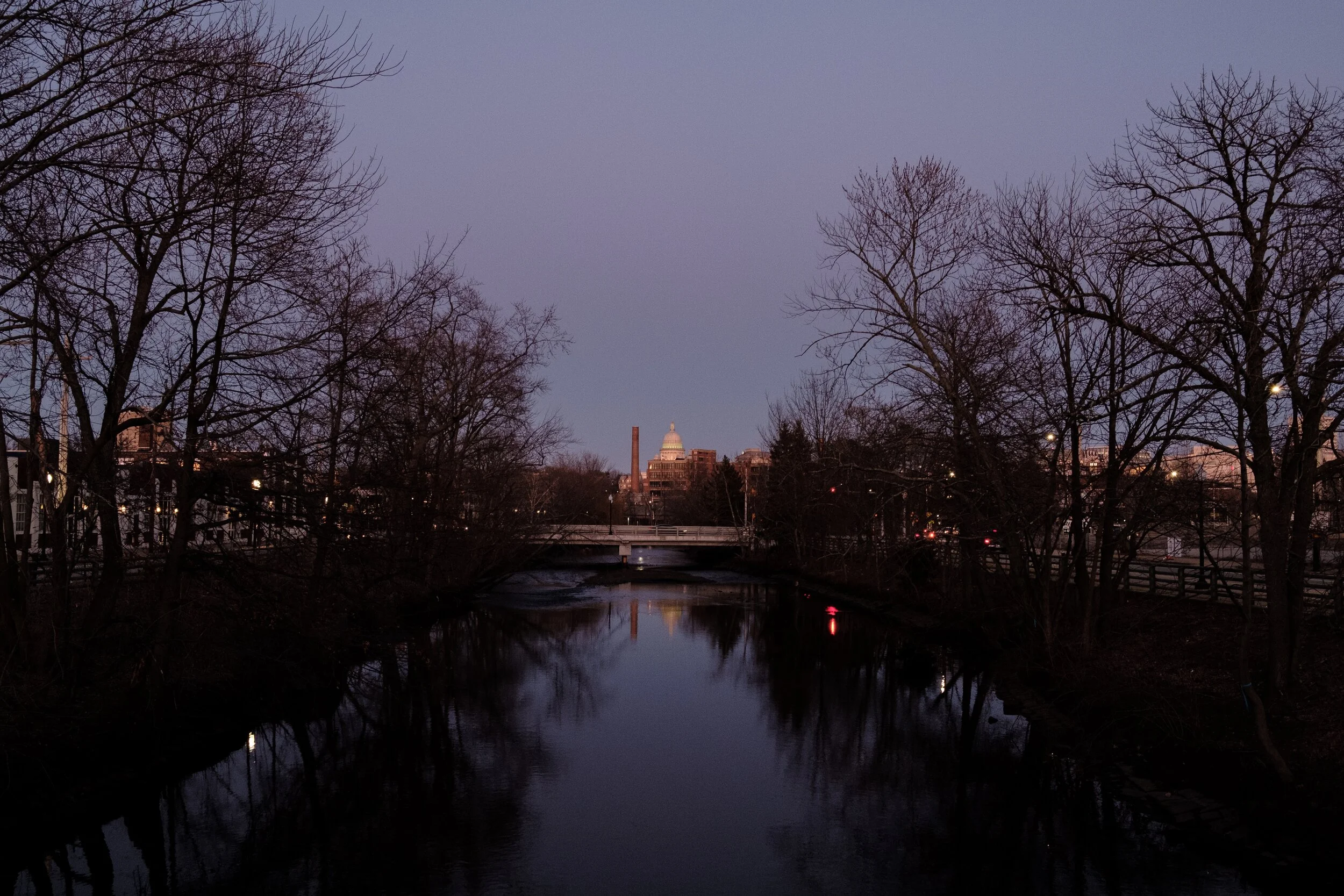
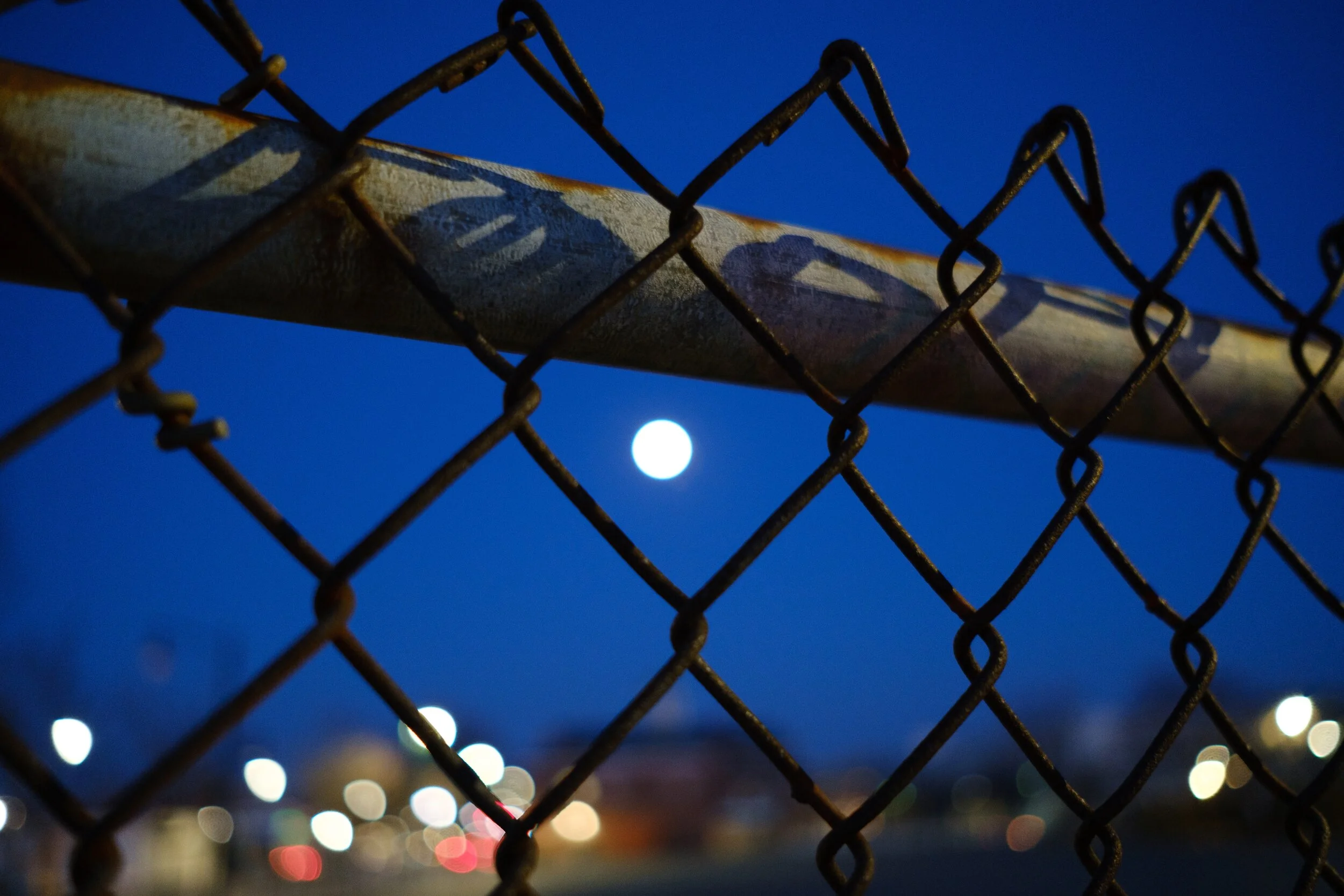
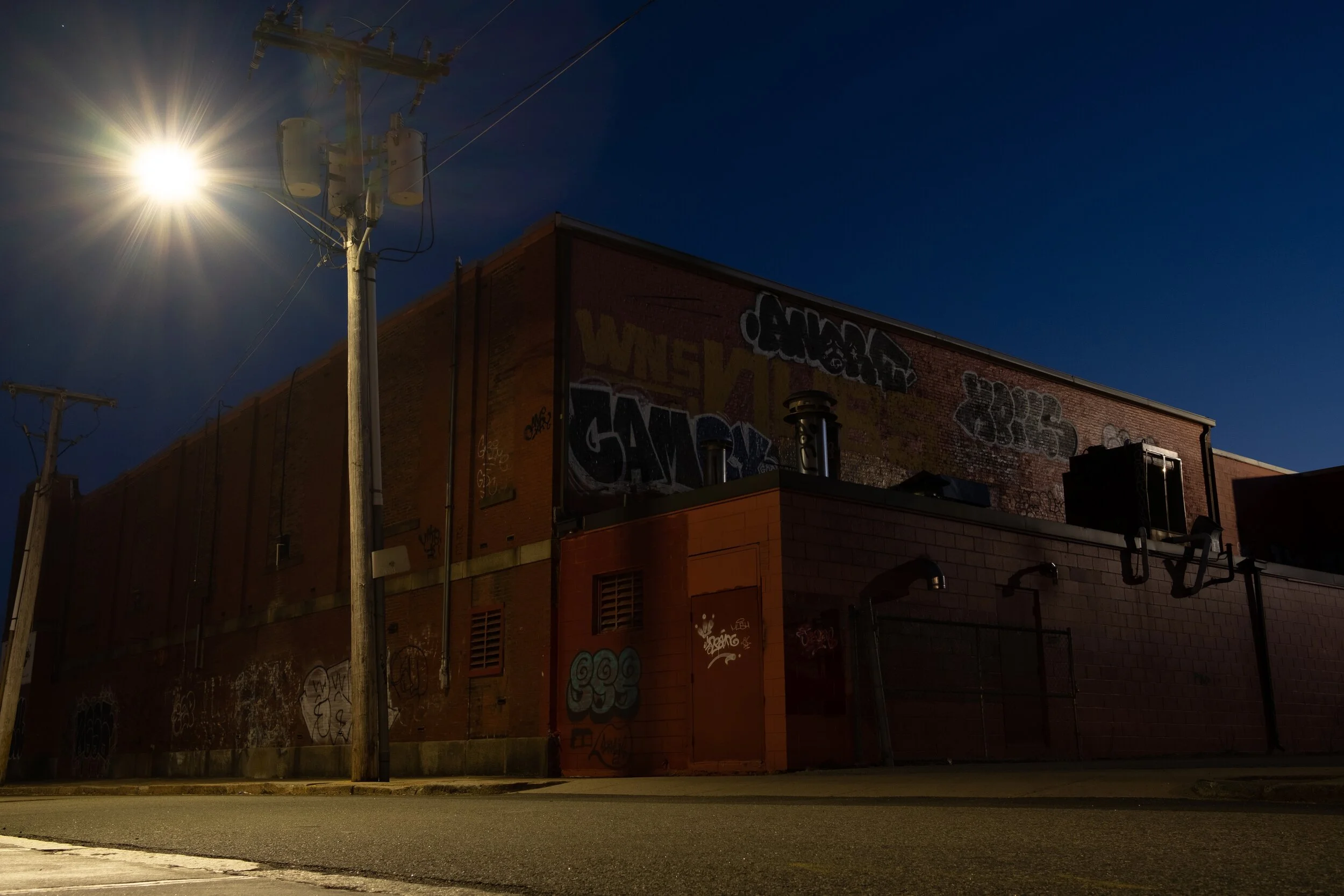
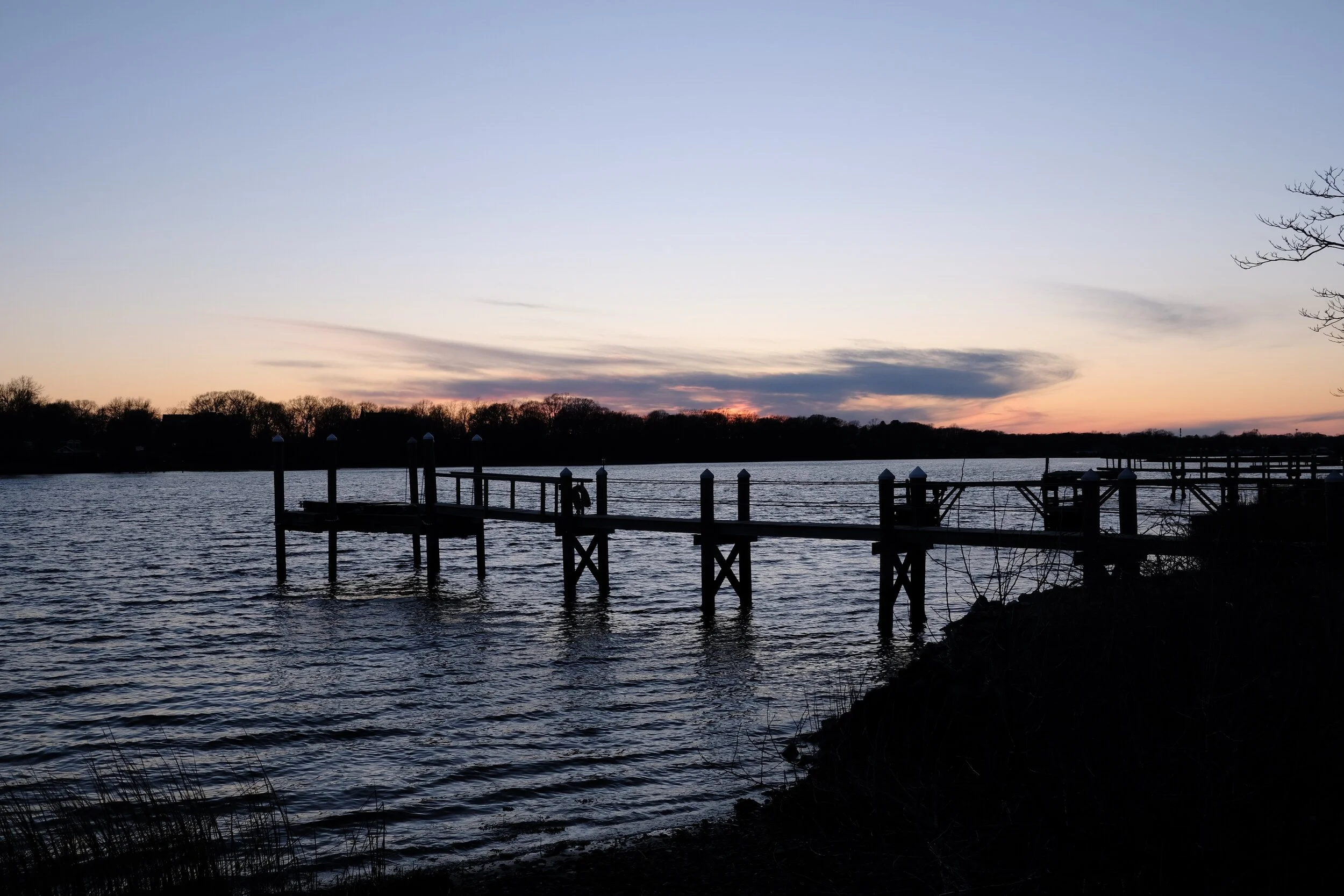
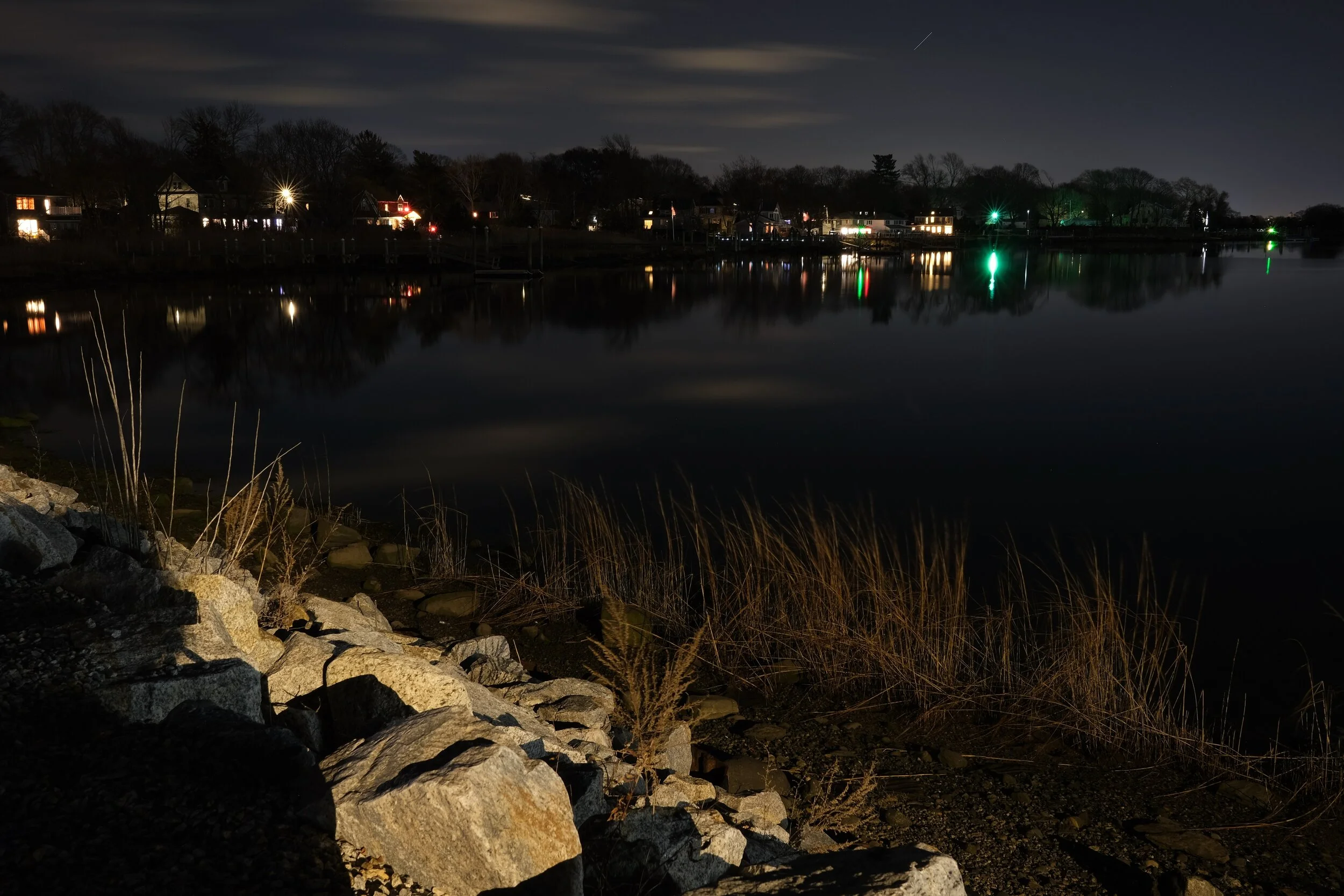
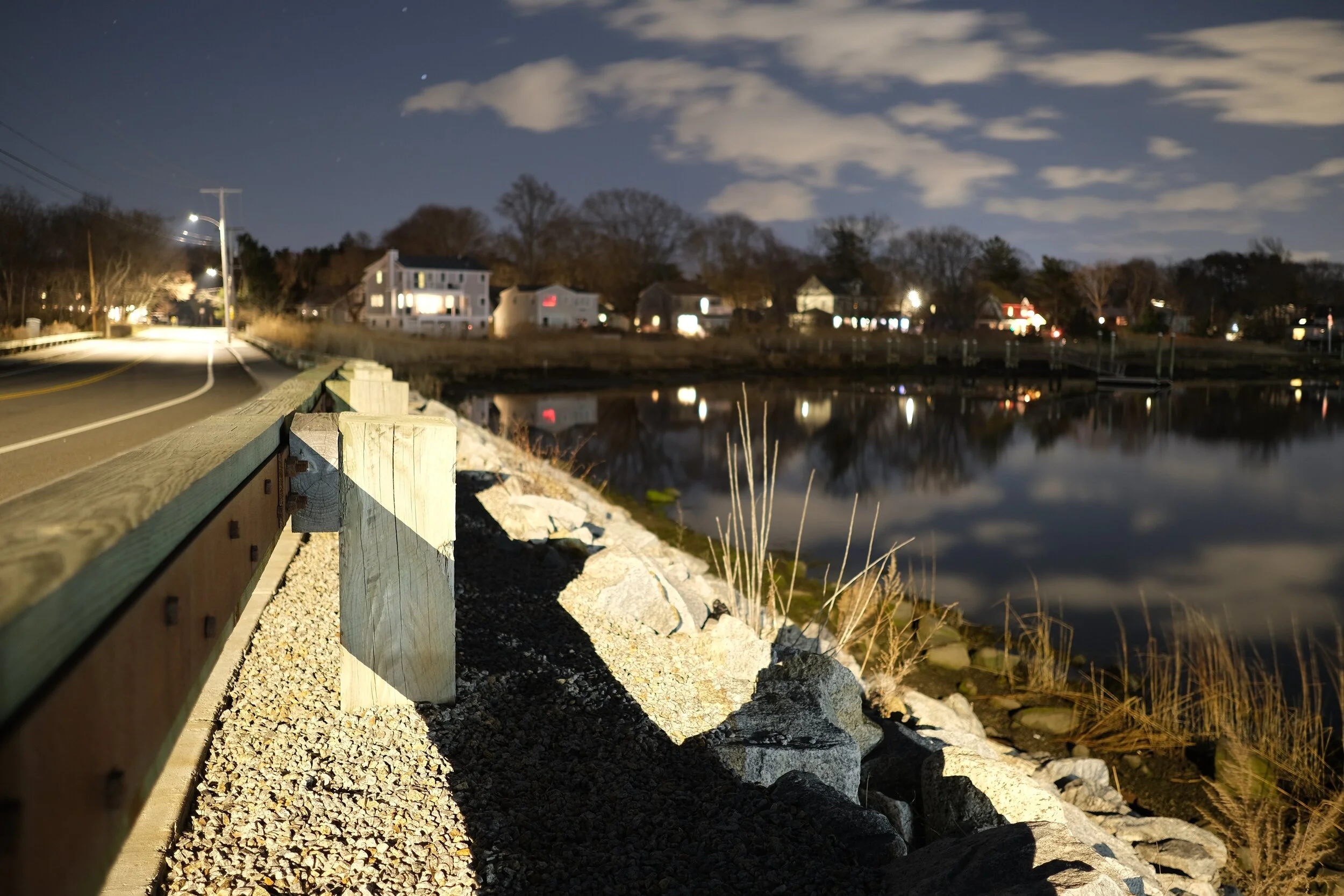
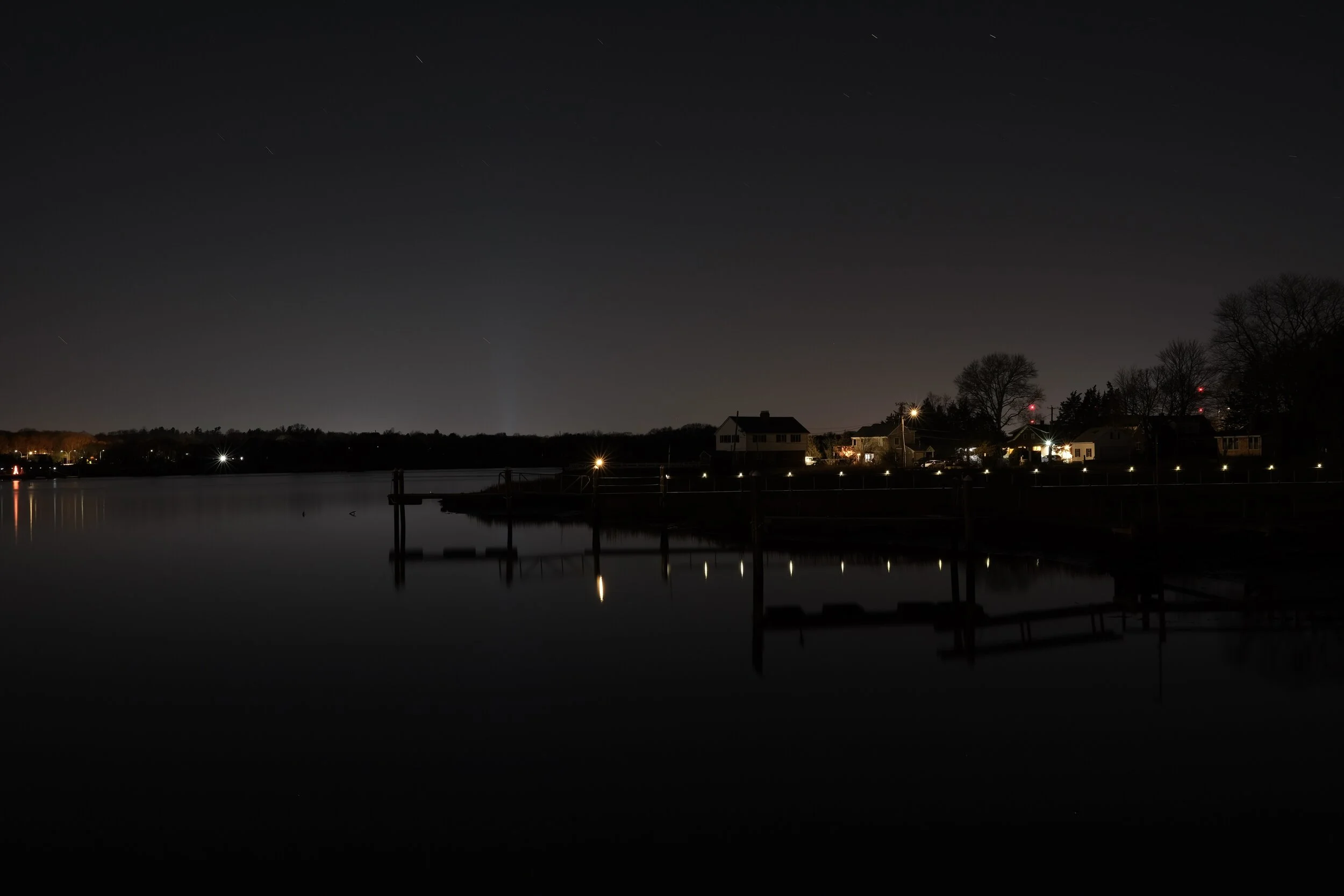
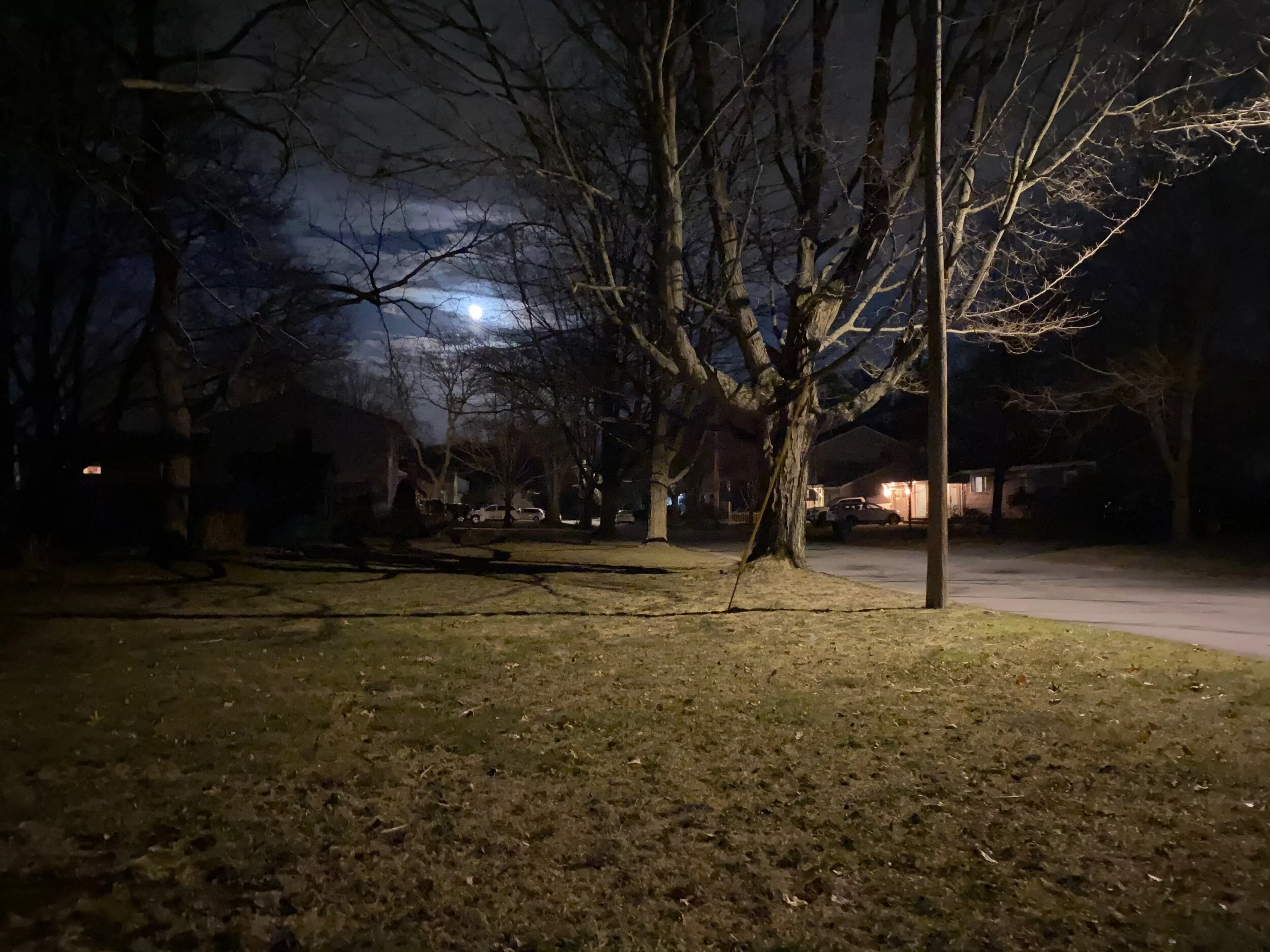
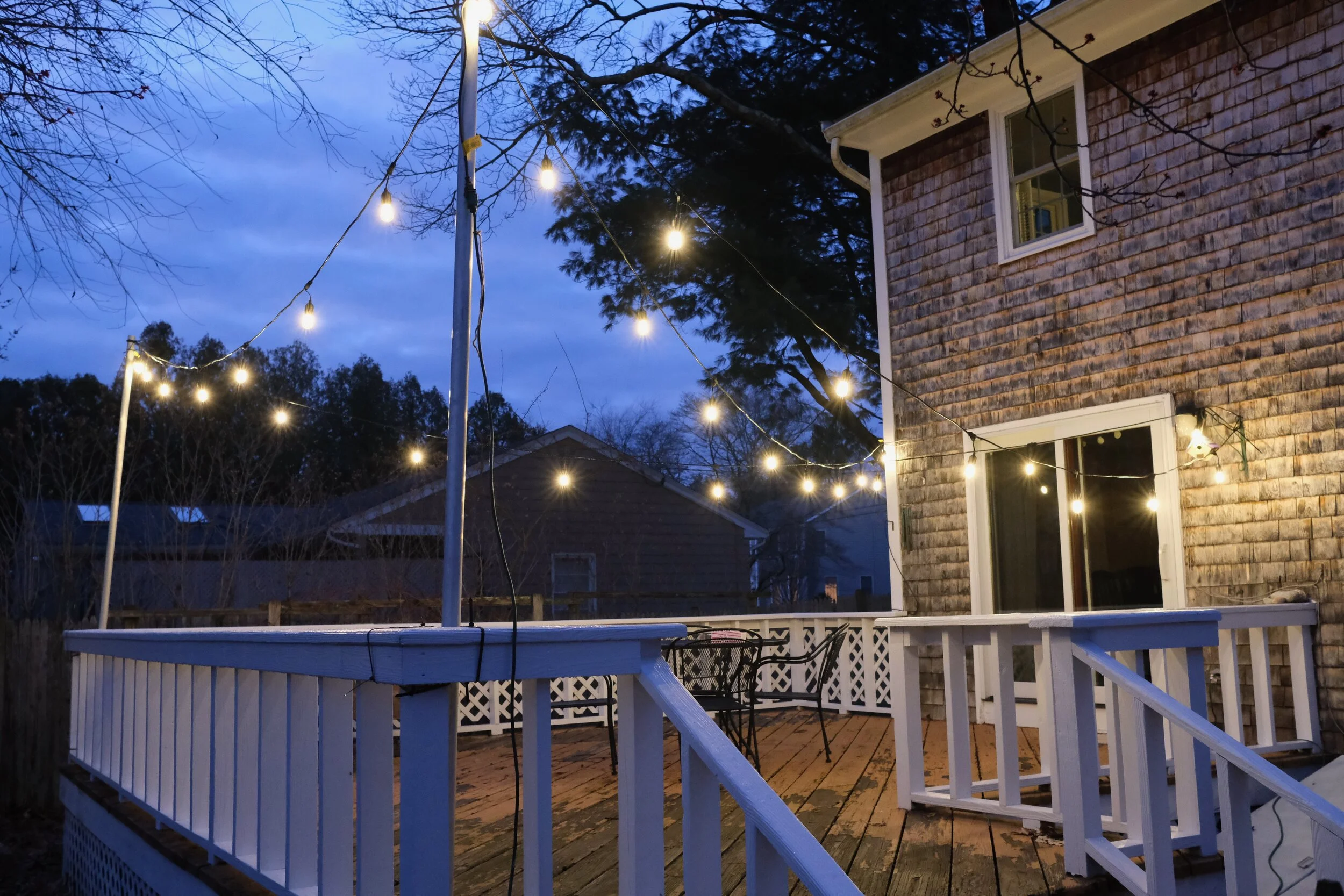
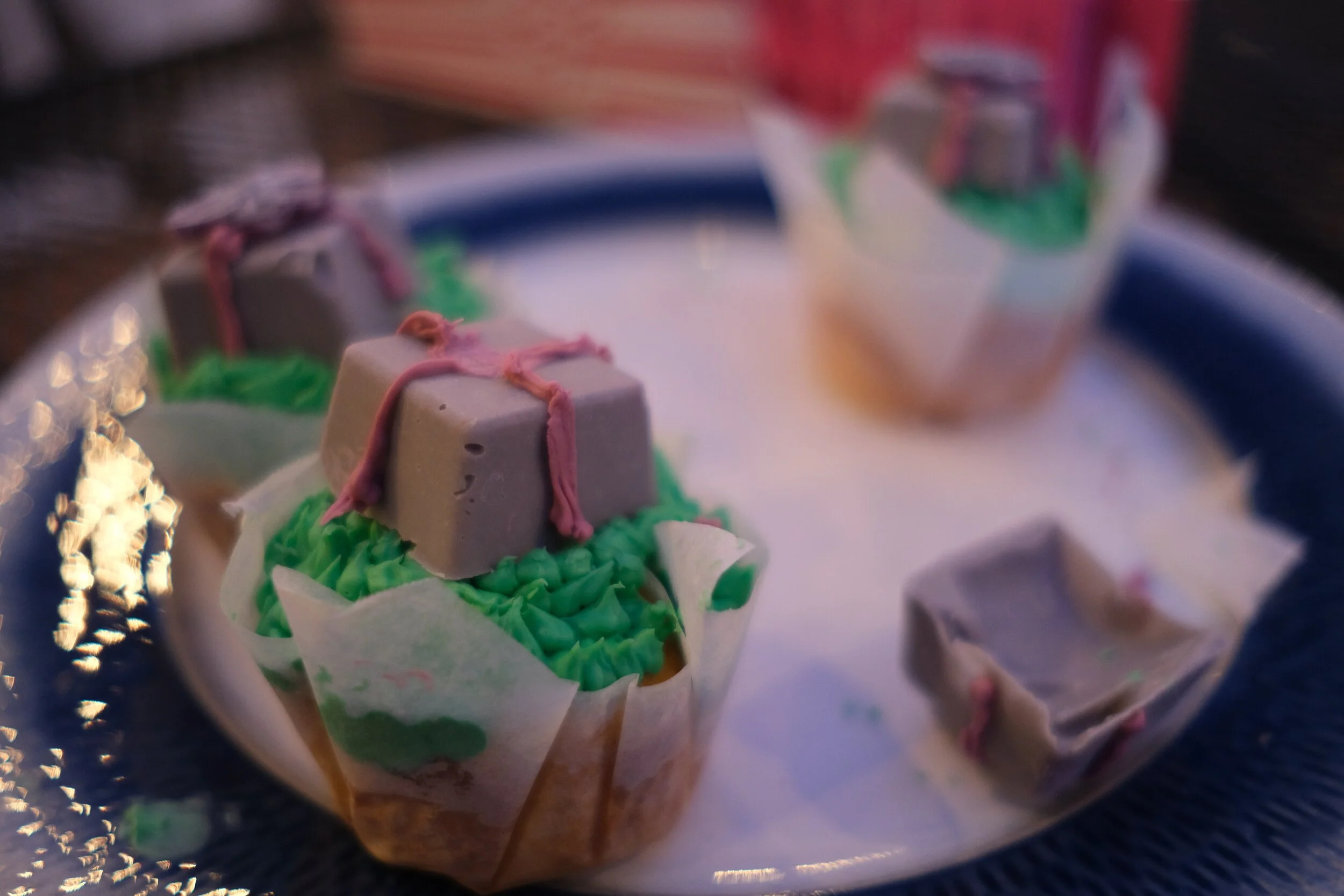
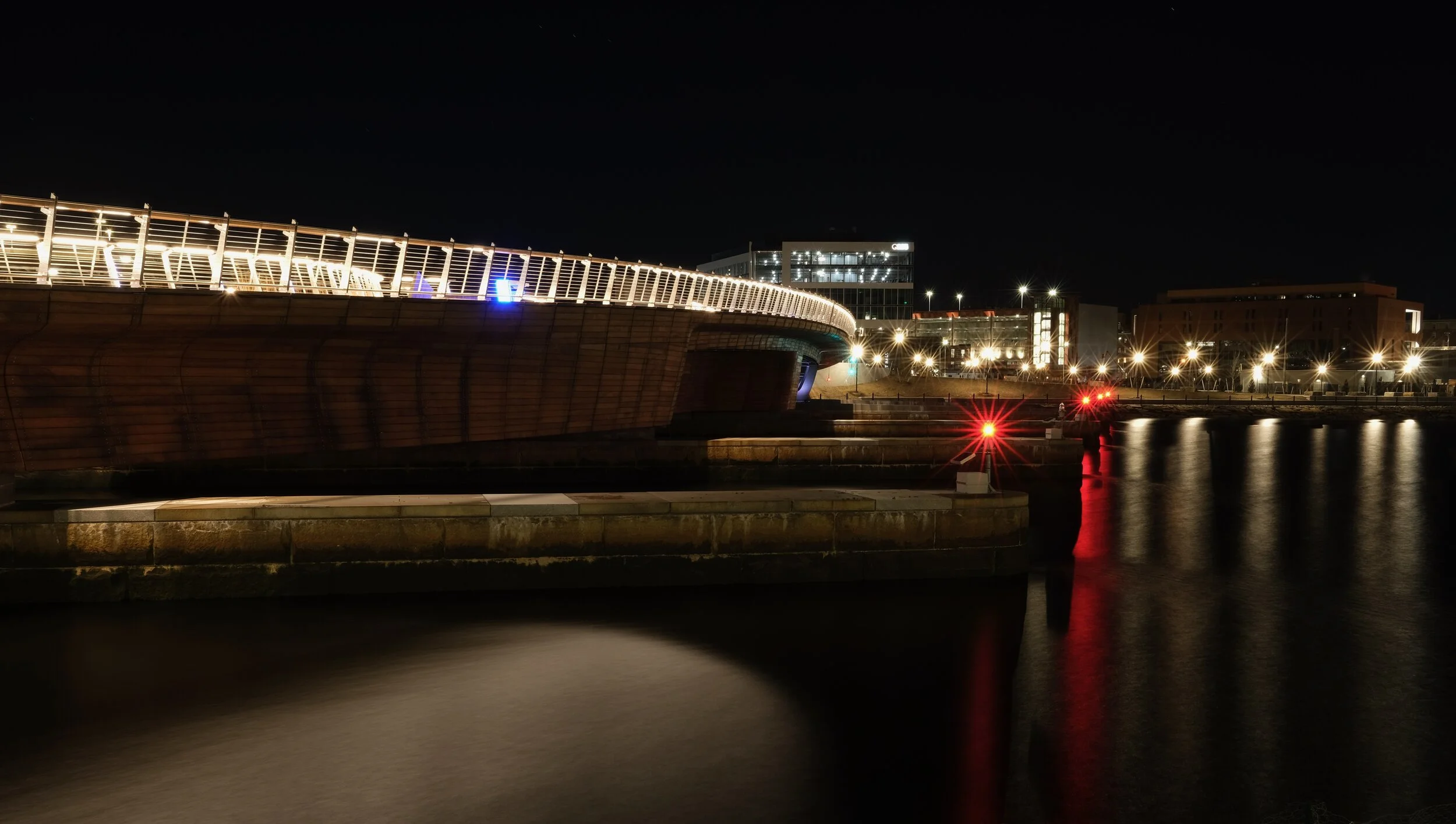
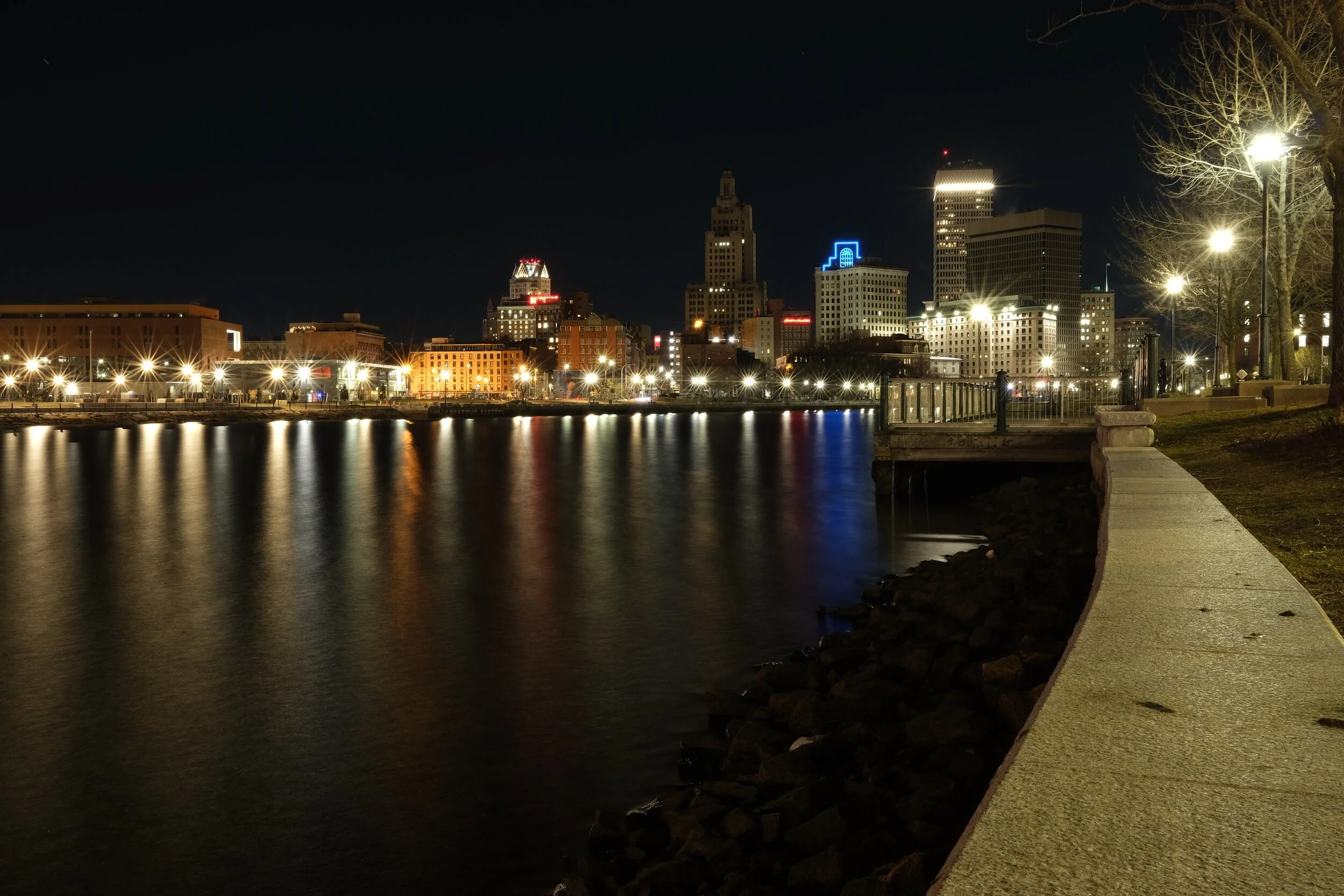
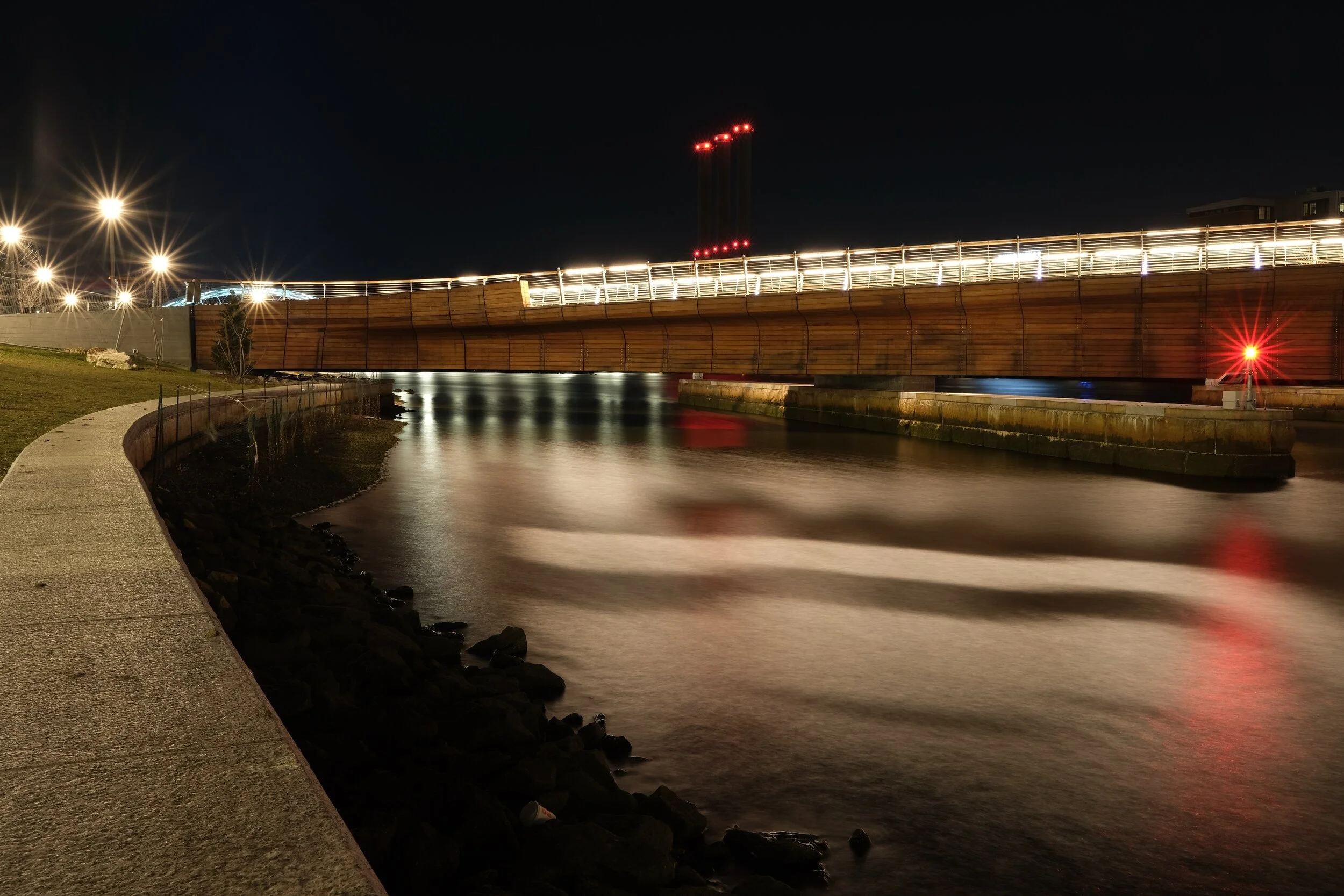
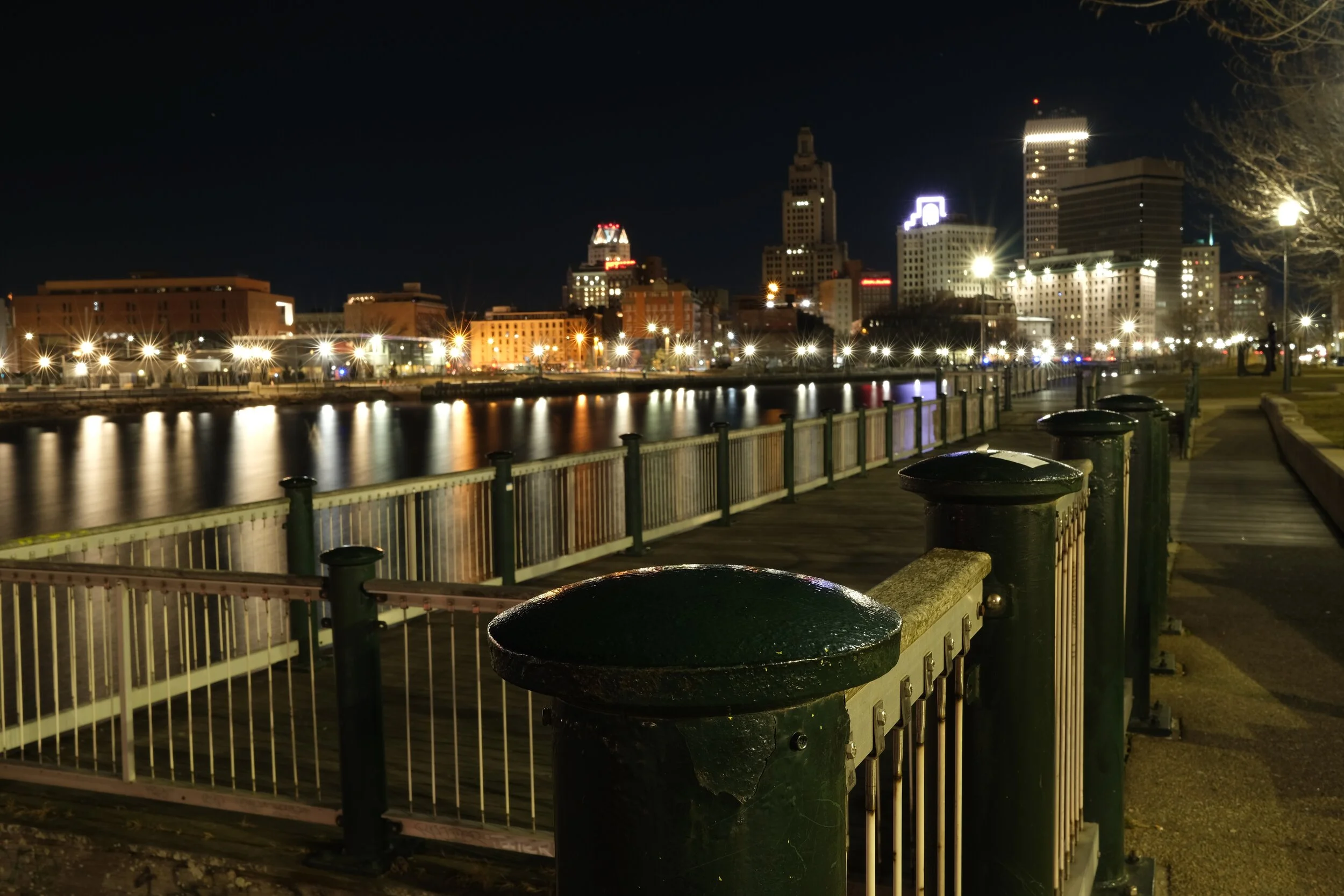
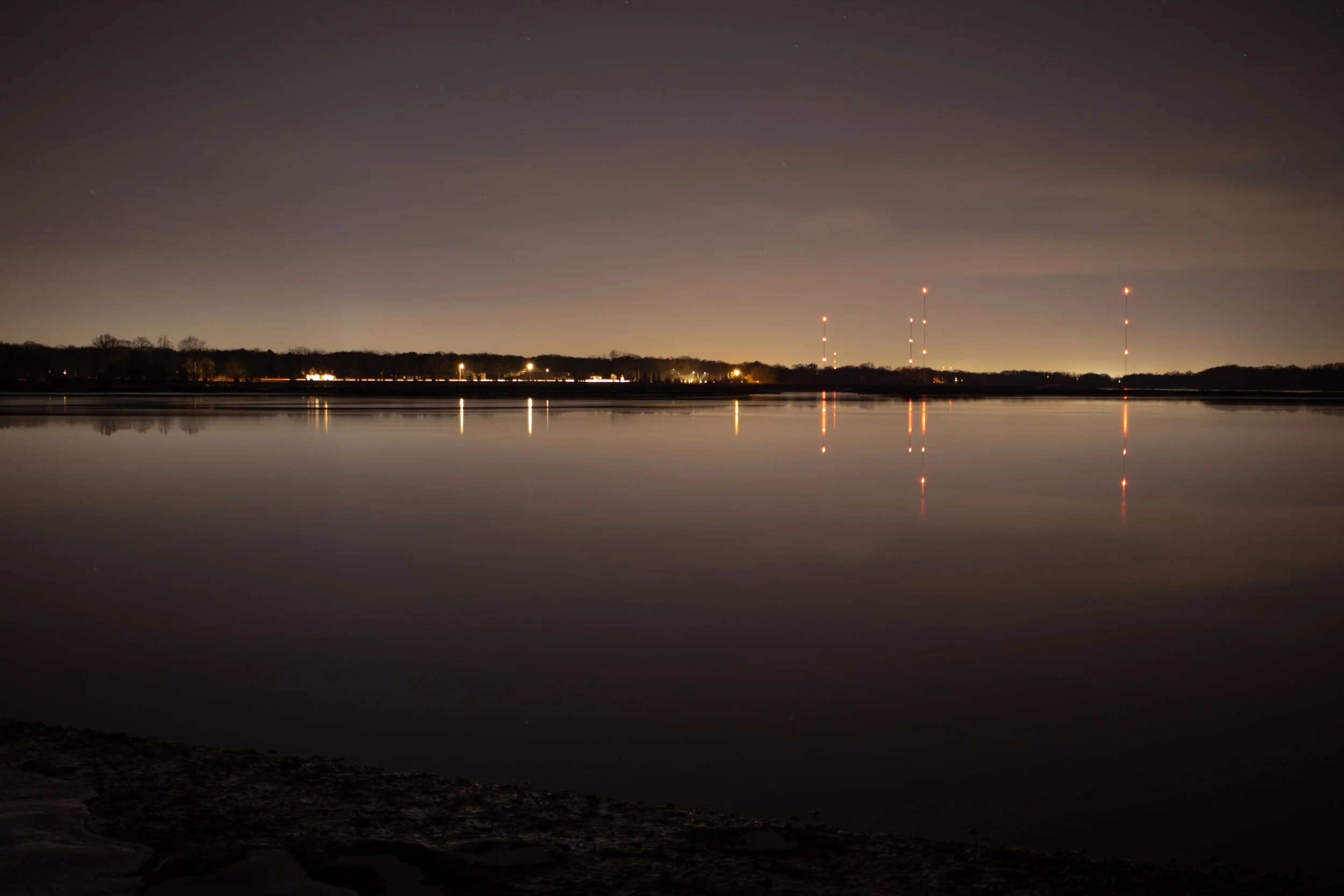
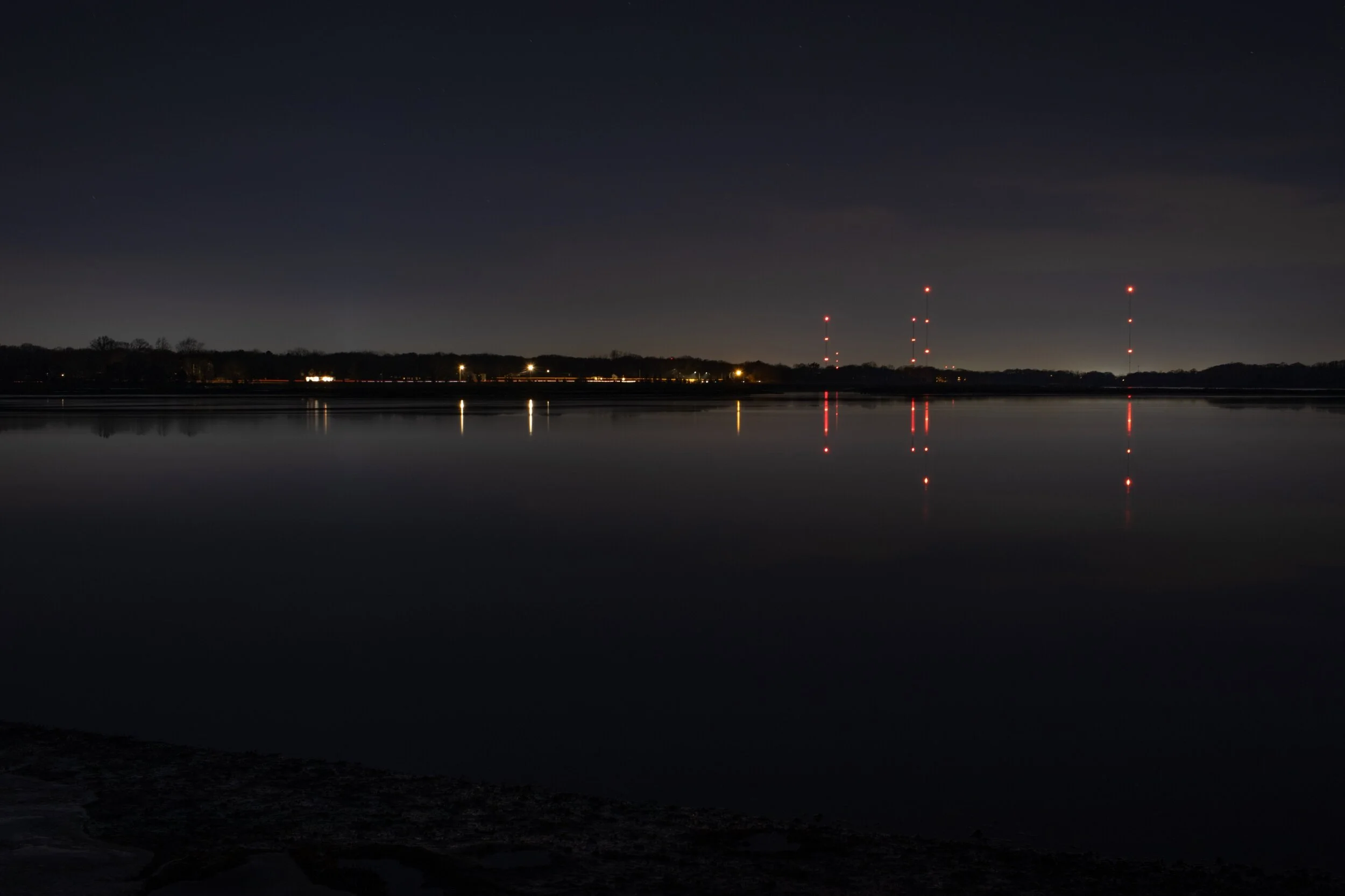
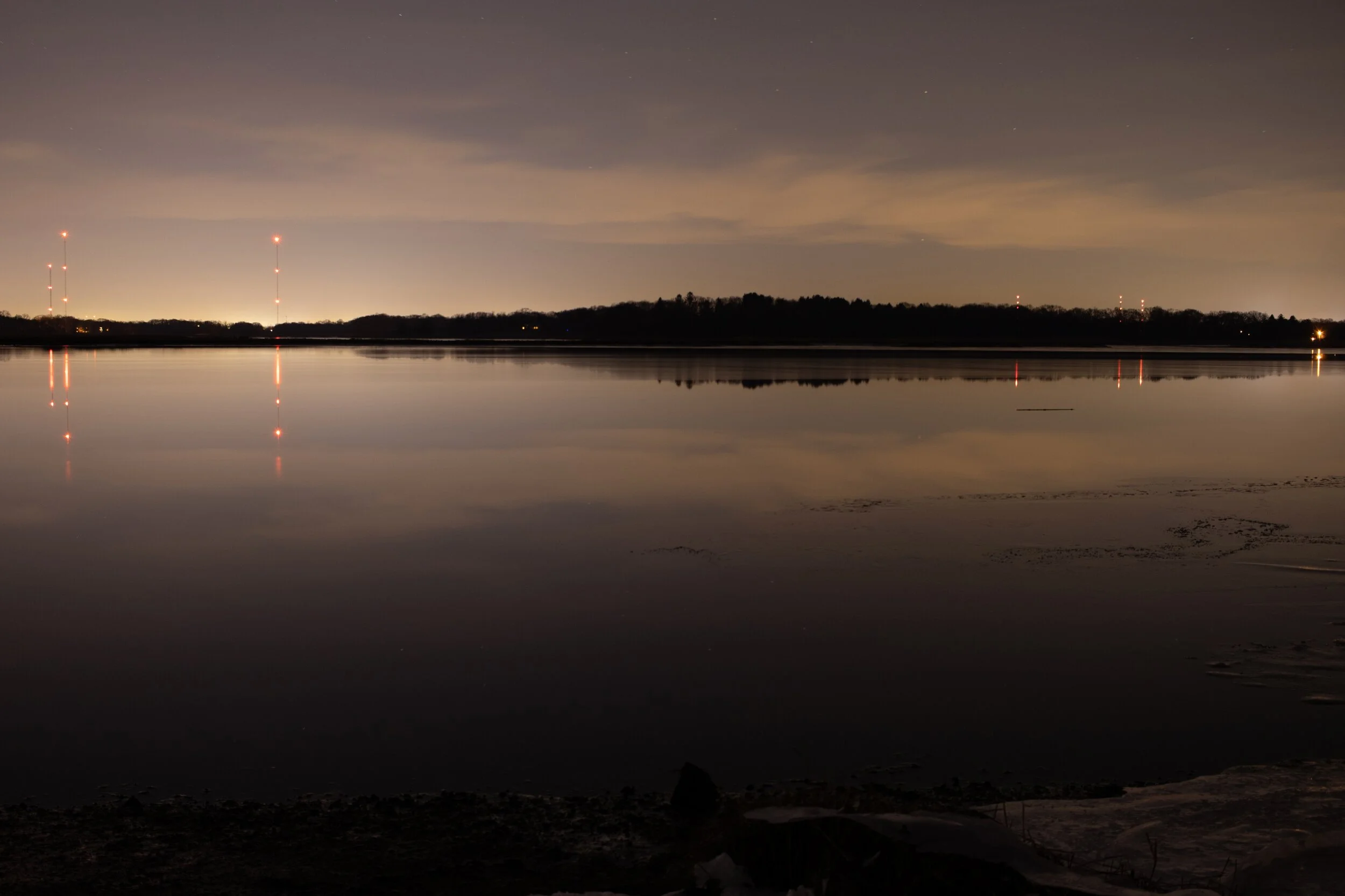
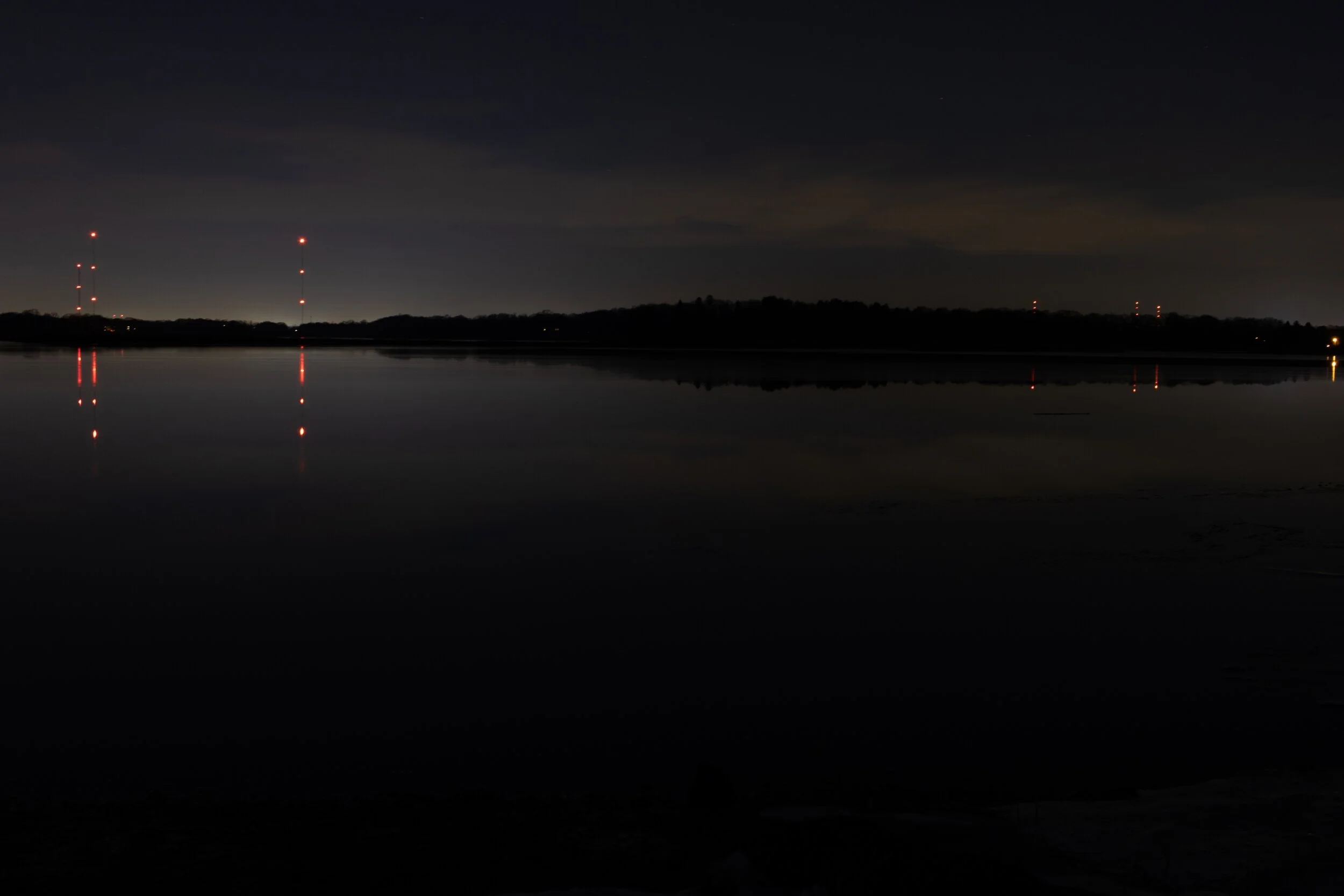
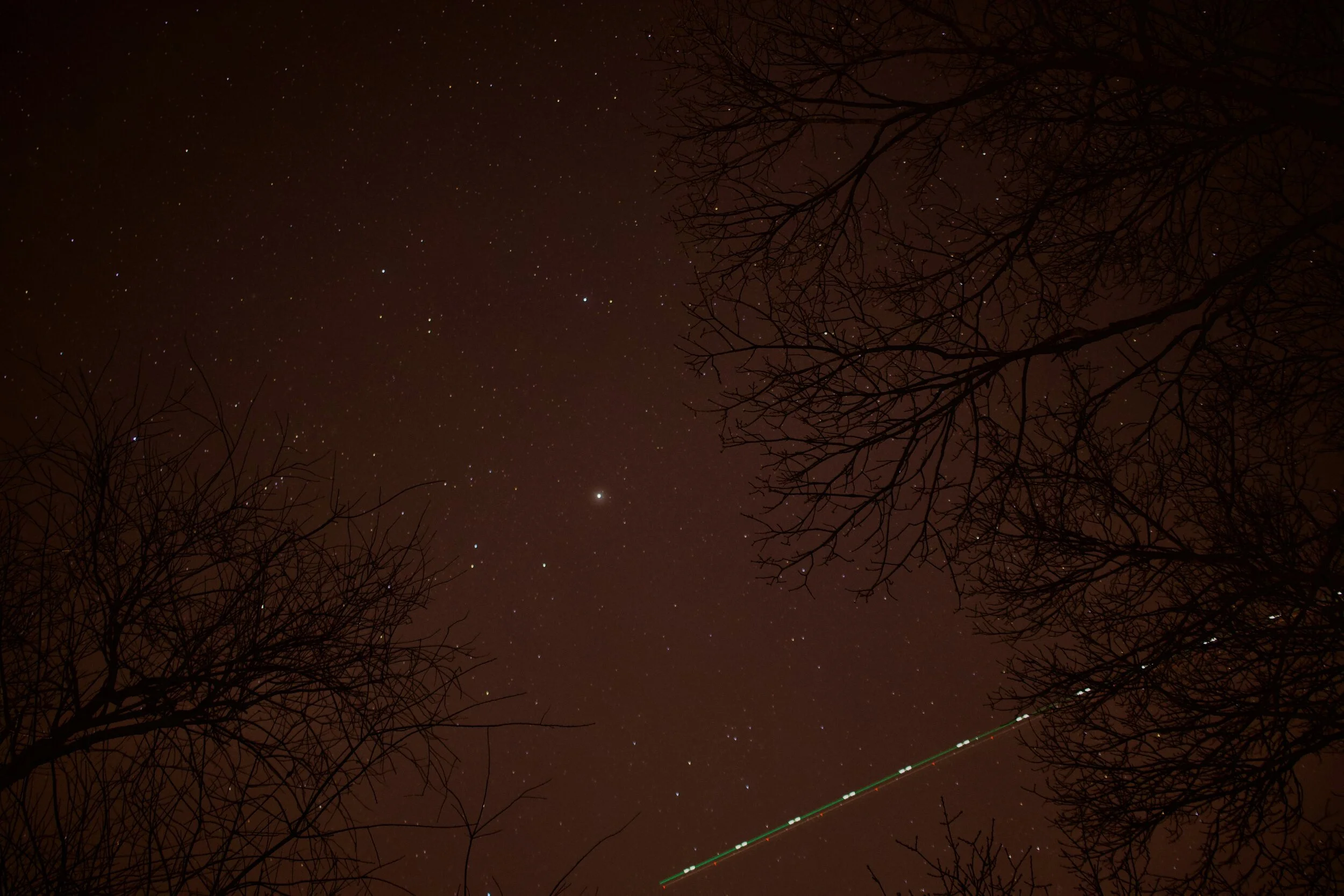
I mentioned earlier in passing that I dumped all these shots into Lightroom. That was only after struggling with the shots in Apple Photos first. I really enjoy the simplicity of Photos, both in the editing features and transparent cloud sync. However, when I imported 280 RAW + JPEG images at once, the app started behaving poorly. After initial import, I switched all the paired photos to use RAW as Original so I could edit with more data. That caused all of the thumbnail images to turn black. When double-clicked, the full-size image would render correctly, but as soon as I returned to the library grid all new images were rendered as black squares. Hmph. Then, after a few edits, the app hung for a bit before quitting unexpectedly. I repeated the attempt a few more times before giving up and pulling all the files back out to edit in Lightroom.
I knew of Lightroom, of course, and had been recommended it by a few folks, but previously avoided learning another piece of software for my modest editing needs. However, a few YouTube videos later, I had enough information to get the job done. So, for now, I’m going to try: shooting only in RAW, edit in Lightroom, export JPEG, import JPEG into Photos. This will hopefully keep the editing quick, and still leverage the seamless cloud sync in Photos. I’m undecided about holding onto the RAW files after editing. None of my stuff feels so precious that I need to start managing giant file sets, but we’ll see how it goes.